Project
- Project
- MCCinema
- Role
- Developer
- Status
- Released
Minecraft media playback
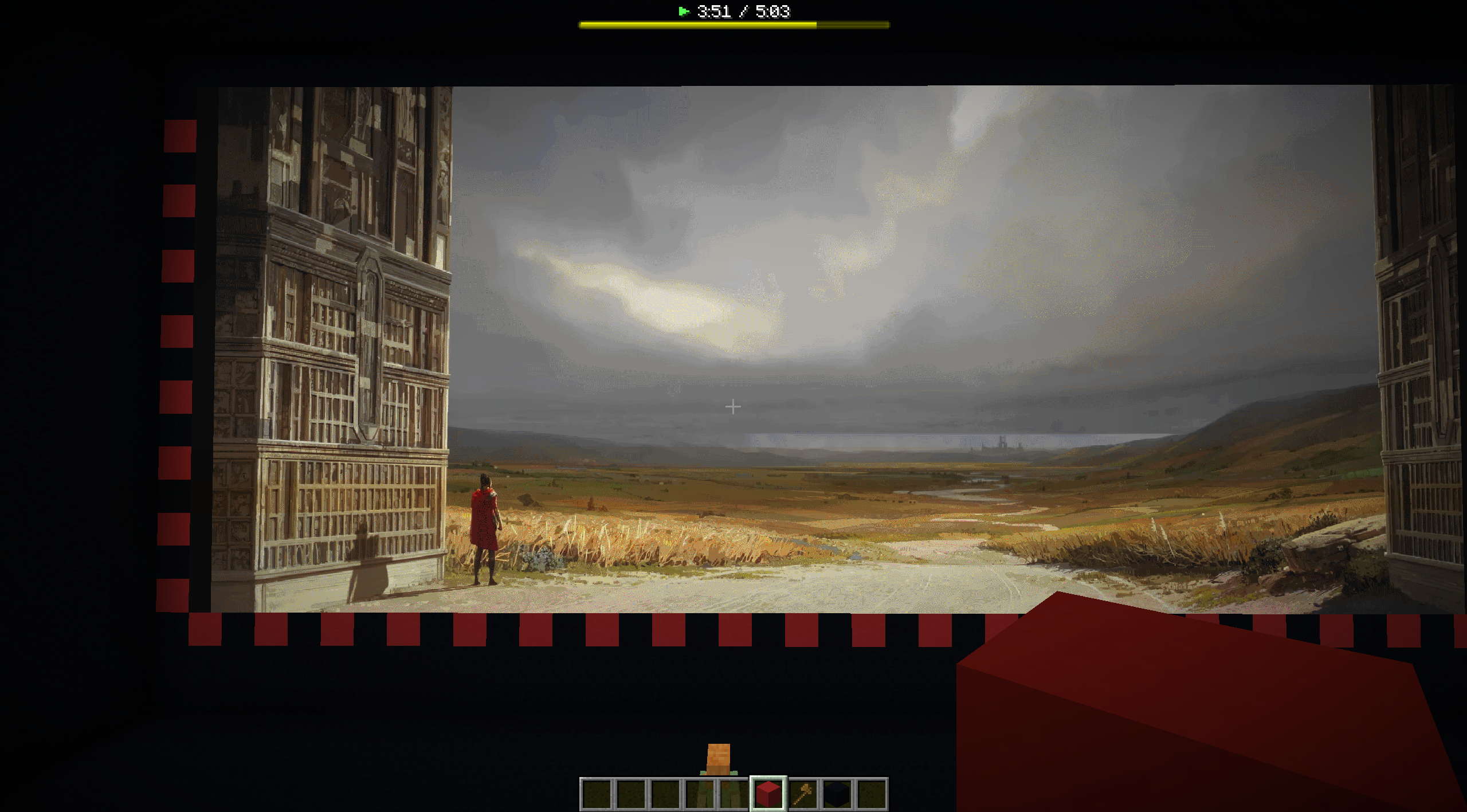
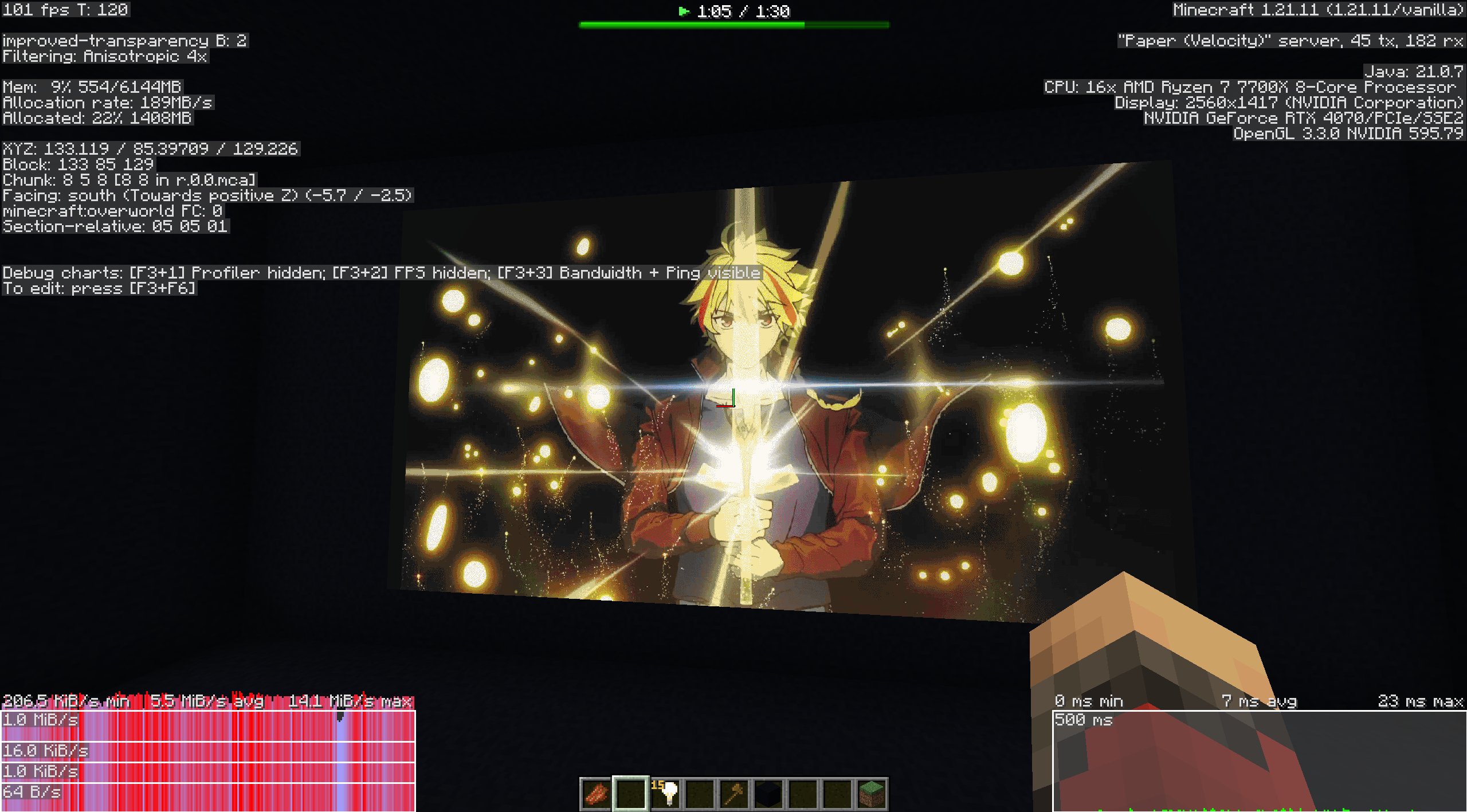
MCCinema is a Paper plugin that plays videos inside Minecraft without client-side mods. It turns video frames into map displays, handles synchronized audio through generated resource packs, and tries to keep bandwidth low enough that large screens are actually usable on real servers.
Project note
MCCinema is a good small technical project because the constraints are awkward in a useful way: limited colors, expensive packets, map tiling, audio workarounds, and a real need to expose tuning controls instead of pretending one quality setting fits every video.
Process timeline
Rendering
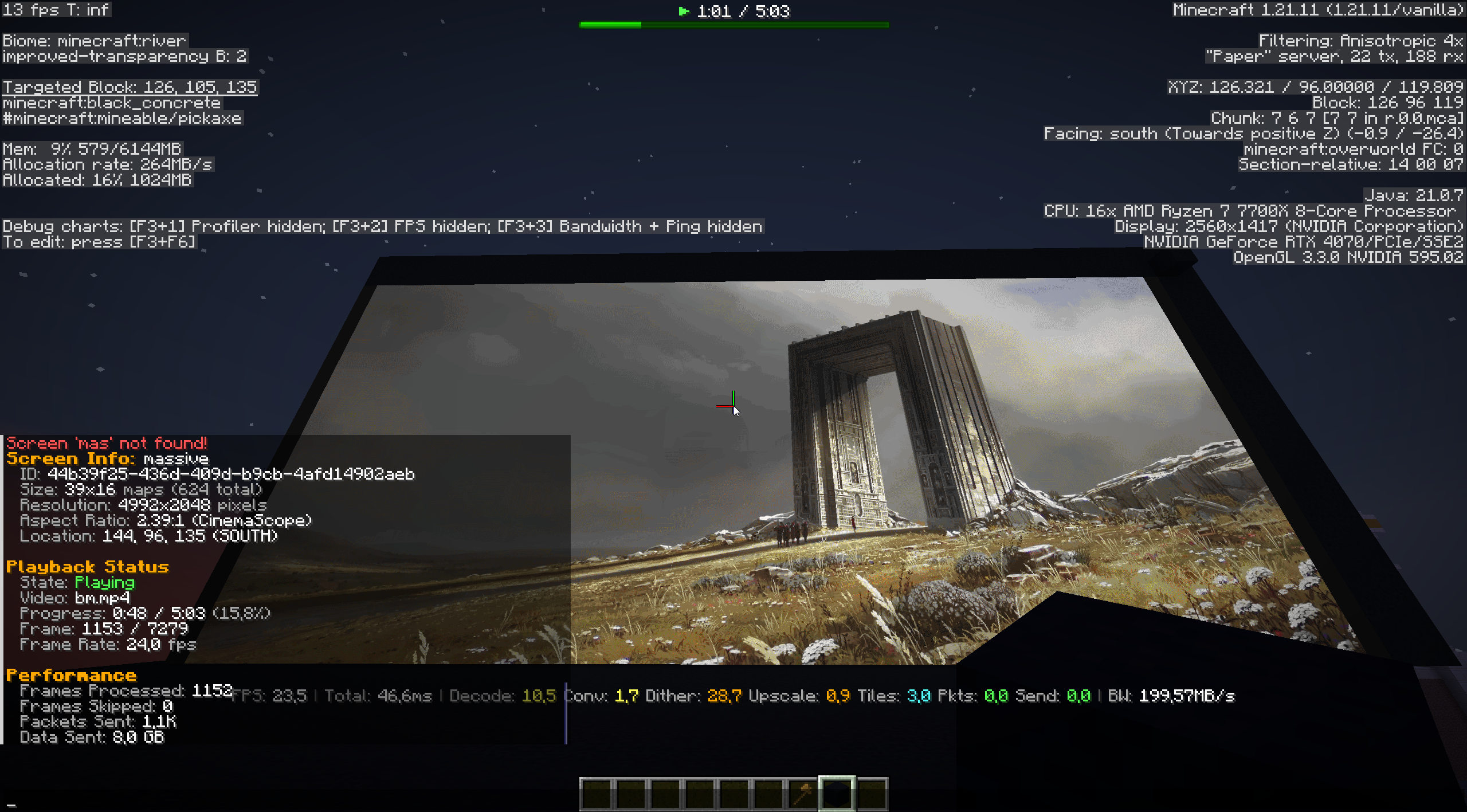
The plugin plays video by converting frames into Minecraft map updates. That sounds simple until the screen gets large: a 17 by 7 block display can be 2176 by 896 pixels, and every frame has to fit through Minecraft's packet and map-color constraints.
The interesting part is making Minecraft behave enough like a video player without requiring client mods.
Image quality
Minecraft maps have a limited color palette, so naive conversion looks rough. MCCinema supports Floyd-Steinberg, Stucki, and Atkinson dithering, plus temporal noise reduction, to keep motion and gradients readable without destroying bandwidth.
The image pipeline is a quality tradeoff between color accuracy, stable motion, CPU time, and packet size.
Optimization
Minecraft will happily make this kind of project unusable if every pixel is sent every frame. MCCinema uses selective updating, downsampling, dirty-region detection, packet bundling, and quality presets so static or low-motion videos send much less data than noisy full-motion content.
On Modrinth I list examples ranging from about 400 KB/s for simple high-contrast video to about 8 MB/s for a very large, complex screen.
Playback system
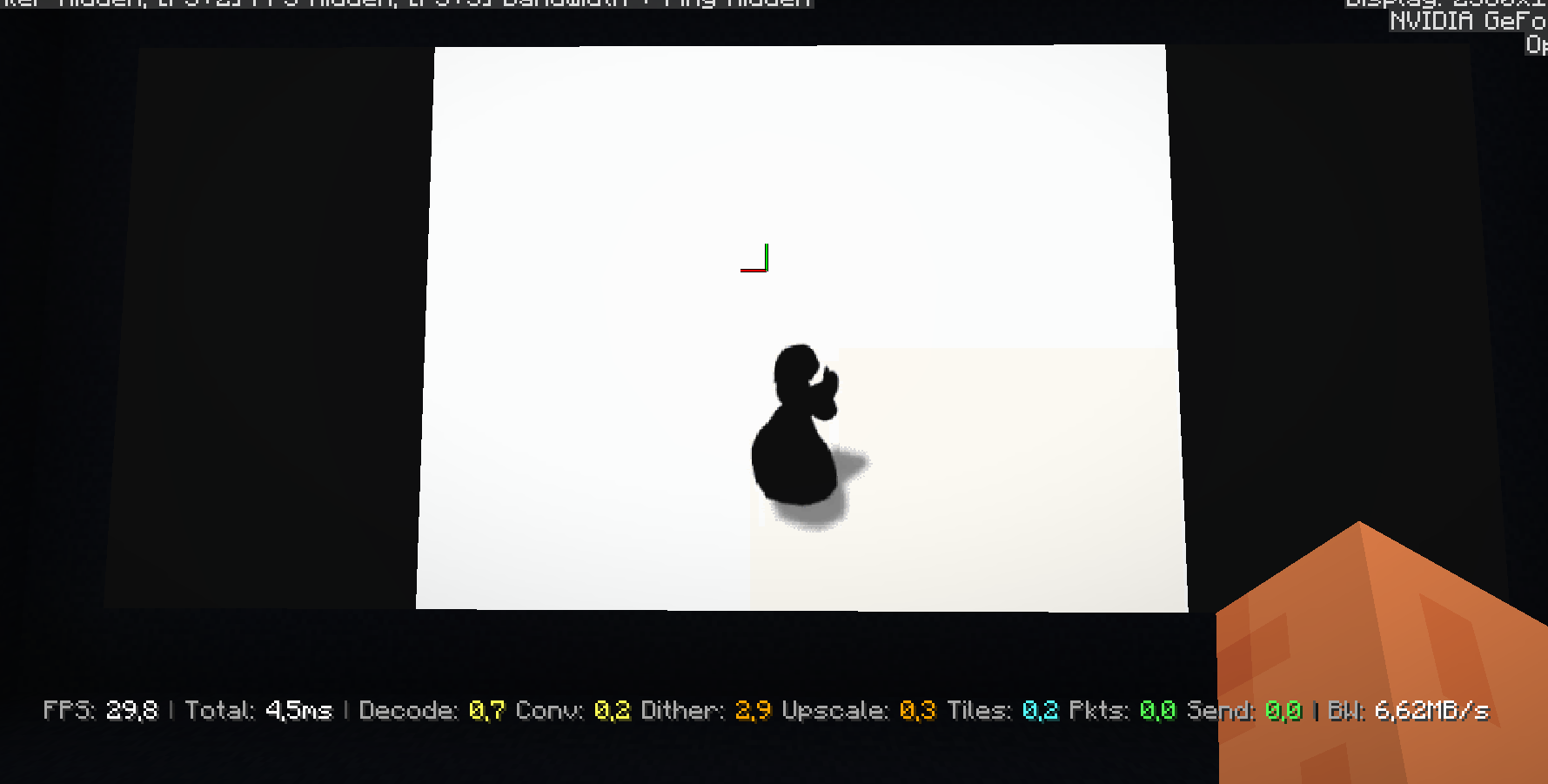
Minecraft does not make synchronized custom audio straightforward. MCCinema generates and hosts resource packs for audio playback, slices audio into chunks to support pause/resume behavior, and exposes normal playback controls such as pause, resume, seek, and skip.
The feature is not just frame conversion; it also has to feel like a usable media player.